Surprise twins announcement ideas and wording
First choose: one surprise or two?
If the family already knows about the twins, the question is the combination: two boys, two girls or one of each. Say that clearly in the invitation.
If they do not know, the number of babies is a second surprise. Avoid naming the group chat “Twin reveal,” sending a photo of two pairs of shoes, or showing twin-themed decorations on a video call before the reveal.
Check with the parents about what can be shared publicly. A pregnancy announcement is their news, even when a friend is organizing the party.
Invitations that keep twins a secret
A simple group-chat invitation
We have a little announcement to share, and we would love you there. Join us on [date] at [time and time zone]. Open this link a few minutes early: [private reveal link]. Please keep the surprise in the group until we share it ourselves.
For family in different countries
Wherever you are, we want to share this moment with you. Save [date] at [time and time zone], check your local time, and join us here: [private reveal link]. We will also be on [video-call link] if you would like to see everyone.
Use the private guest link, not a host-management page. Send the video-call link separately and explain which one guests should open for the reveal.
Invitations when everyone already knows it is twins
A playful invitation
Two boys, two girls, or one of each? Make your guess and discover the answer with us on [date] at [time and time zone]. One link, two little surprises: [private reveal link].
A quiet family gathering
We are ready to share a little more about our two babies. Join us for a short reveal on [date] at [time and time zone]. No gifts or preparation needed—just you: [private reveal link].
Captions for after the announcement
Two boys
- “Two boys. Two little beginnings. So much love already.”
- “The answer was blue—and then blue again.”
- “Our family is growing by two baby boys.”
Two girls
- “Two girls, and a whole new chapter together.”
- “One little girl… and another little girl.”
- “Meet the two newest reasons for our happy tears.”
One boy and one girl
- “One boy. One girl. Two people we cannot wait to meet.”
- “A little blue, a little pink, and twice the happy news.”
- “Our twins: a baby boy and a baby girl.”
The number of babies is the big surprise
- “The secret had a second chapter. It is twins!”
- “You guessed a baby. We have two to introduce.”
- “Two little arrivals. One very happy announcement.”
Adapt the language to your family. Colors are optional; the words can communicate the announcement without relying on pink and blue.
Three ways to make the second announcement land
A final spoiler check
Read the invitation, chat title, file names and visible decorations from a guest’s perspective. Ask the person recording to keep filming through both announcements. Wait until the parents have shared the news before posting screenshots or reaction videos.
Physical-party invitations: beautiful, but immediately useful
An invitation for a party at home has a different job from an online reveal link. It must get people to the right place, at the right time, with the right expectations. Start with the details before choosing the flowers, ribbons or headline. A gorgeous card that hides the address in tiny script creates extra messages for the host.
Keep the main card to five essentials: what you are celebrating, who is inviting, the date and start time, the venue, and how to reply. Add an RSVP deadline if you need one for food or seating. Practical details such as parking, step-free access, food arrangements or “no gifts needed” can go in the accompanying message if they make the card crowded.
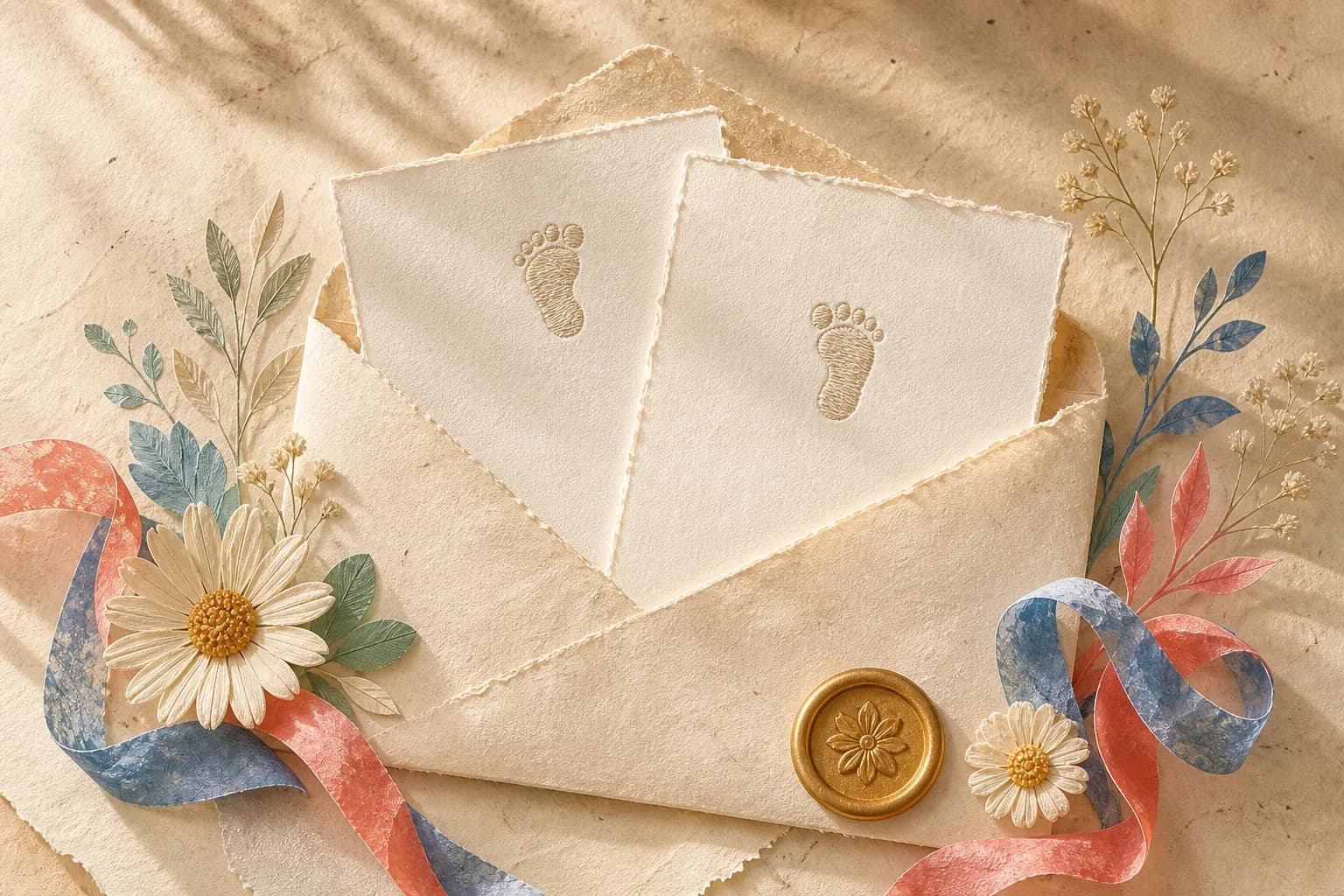
For the paper-collage style, use a warm cream background, one expressive illustration and generous space around the type. A sealed envelope, botanical details and a little gold can carry the celebration without competing with the date. Pink and blue can be small accents rather than a split-screen theme. Use a readable typeface for the address even if the headline is more decorative.
If the twins themselves are secret, avoid artwork with two pairs of shoes, two bodysuits or obvious paired baby motifs. The picture can give the news away just as easily as the wording. Save the twin-specific version for families who already know or for the announcement sent afterward.
Minimal invitation for a gathering at home
A little secret. A lovely afternoon.
Join [parents' names] for a baby reveal.
[Day, date] · [time]
[Venue and address]
Please reply to [host/contact] by [date].
Your company is all we need.
This keeps the number of babies private. In the accompanying message, say whether refreshments or a meal will be served and include any parking directions guests need. Do not add “two surprises” to the chat caption if the card intentionally keeps that detail secret.
Invitation when twins are already known
Two little arrivals. One beautiful celebration.
Two boys, two girls, or one of each?
Join [parents' names] on [day, date] at [time].
[Venue and address]
RSVP to [host/contact] by [date].
Bring your guess. We will bring the happy news.
The three combinations make the activity clear, but guests do not have to arrive dressed in a team color. If you want a dress suggestion, make it optional and tell people that a neutral outfit is welcome too.
A brunch instead of a big party
A small brunch for some very big news.
We would love to have you with us on [date] at [time].
[Venue and address]
Let [host/contact] know by [date] if you can come.
No gifts needed—just a seat at the table with you.
This suits parents who prefer conversation to a performance. Add “our two babies” only if the twins are already public. A quiet invitation does not need to promise games, a dress code or a filmed reaction.
A party with an option for distant family
Near or far, we want you with us.
Join our baby reveal on [date].
At the party: [venue], from [arrival time].
Joining online: open [private guest link] before [reveal time and time zone].
For the separate family video call: [call link].
Please reply to [host/contact] so we know how you will join.
Make a phone version and a printable version
A phone invitation is often read as a small image inside a chat, not as a full-screen poster. Keep the title short, increase the date size and use strong contrast. Send the essential details as selectable text alongside the image so guests can copy an address, use their screen reader or check a time without zooming.
A printable card needs comfortable margins and a test print. A 5 × 7 inch card is one possible format; check the actual paper and envelope you intend to use. Do not squeeze a long address into the decorative border. Print one copy first and read it at arm's length before printing the full set.
Avoid putting a full home address on a public social image. A public teaser can say “details sent privately,” while the actual invitation goes to the guest list. If you use an optional QR code, it should point to the intended guest destination and be tested from the printed card. A decorative seal is not a QR code, and a link in a picture is not automatically clickable.
Messages for the days around the party
A short RSVP reminder
A little reminder about our reveal on [date]. If you can join us, please let [host/contact] know by [deadline]. No worries if you cannot make it—we will share the news with you afterward.
The day-before practical message
We are looking forward to seeing you tomorrow. Arrival is [time] at [address]; the reveal is planned for [time]. [Parking or access note.] Please keep photos and the result private until we have shared them ourselves.
A message if the plan changes
A quick update: we are moving our reveal to [new date/time/location]. Please use these details instead of the earlier invitation. Thank you for being flexible and celebrating with us.
A private announcement for someone who missed it
We wanted you to hear from us: we are expecting [two boys / two girls / one boy and one girl]. We missed having you there and cannot wait to share more with you when we can.
A thank-you after the gathering
Thank you for sharing this moment with us and welcoming both our babies with so much love. We are keeping your messages and wishes as part of their first chapter.
These messages do not need a new graphic each time. A clear text update is easier to notice and correct than a second image that looks almost the same as the first. If the date changes, ask the host to update any calendar invitation separately too.
Turn a first reveal into a clear final announcement
When the surprise has two stages, the final post should stand on its own. Someone seeing only the last photo should understand that there are two babies and what has been announced. Do not rely on every relative watching all the way through a video carousel.
For two boys, pair the caption with two visible keepsakes or a card that says the combination plainly. For two girls, use the same approach. For one of each, keep both babies equally central rather than making one the punchline. You can use neutral clothing and still communicate everything with words.
If you share a video, give it a descriptive caption and avoid revealing the answer in the thumbnail before the parents are ready. Ask permission before including guests' reactions. An affectionate announcement is enough; nobody owes a dramatic reaction or a public video.
A final copy-and-design checklist
- Replace every placeholder, including the RSVP contact and time zone where relevant.
- Read the date, time and address aloud from the final exported image, not only from the editor.
- Check whether the illustration reveals twins before you intend to.
- Keep the invitation's title, chat caption and filename consistent with the level of surprise.
- Separate the party address, private reveal link and optional video-call link clearly.
- Include essential details as text alongside the image for easier access and copying.
- Send the card privately when it contains personal contact or location details.
- Ask the parents before posting the result, guest names or reaction footage publicly.
Frequently asked questions
How do I announce twins without spoiling the surprise?
Use a neutral invitation that mentions a baby announcement without saying twins, double, pair or four feet. Save twin-specific wording and decorations for after the reveal.
Can an online reveal keep twins secret?
RevealTogether uses the same guest ballot for single-baby and twins events. The choices alone do not disclose the result. Your invitations, messages and decorations can still give the surprise away.
Where can I use these announcement templates?
Use them in your own invitations, messages, printed cards or social captions. They do not change the app’s built-in reveal wording or animation.
What should I write for boy-and-girl twins?
An example is: One boy. One girl. Two people we cannot wait to meet. Make both babies equally central rather than presenting one combination as better than another.