7 Gender Reveal Party Games People Buy—Now Better Online
Search any party marketplace and the same products appear again and again: voting boards, prediction cards, bingo packs, parent trivia, baby-item price games and giant printable bundles. That repetition tells us something useful. Hosts are not short of ideas. They are paying to avoid inventing the party from scratch.
But many physical games move the work rather than removing it. Someone still has to download the files, find a printer, cut the cards, explain the rules, collect the sheets and calculate the winner.
The three games you can play free right now
1. What Does Baby Cost?
2. Who Knows the Parents?
The expecting parents privately answer prompts such as “Who cried first after hearing the news?” Then guests take the phone and try to match them.
3. The Baby Name Knockout
The winning name does not have to become the baby's name. The fun comes from seeing which names divide the room.
Four physical game ideas still worth keeping
Some activities are better because they leave something tangible behind.
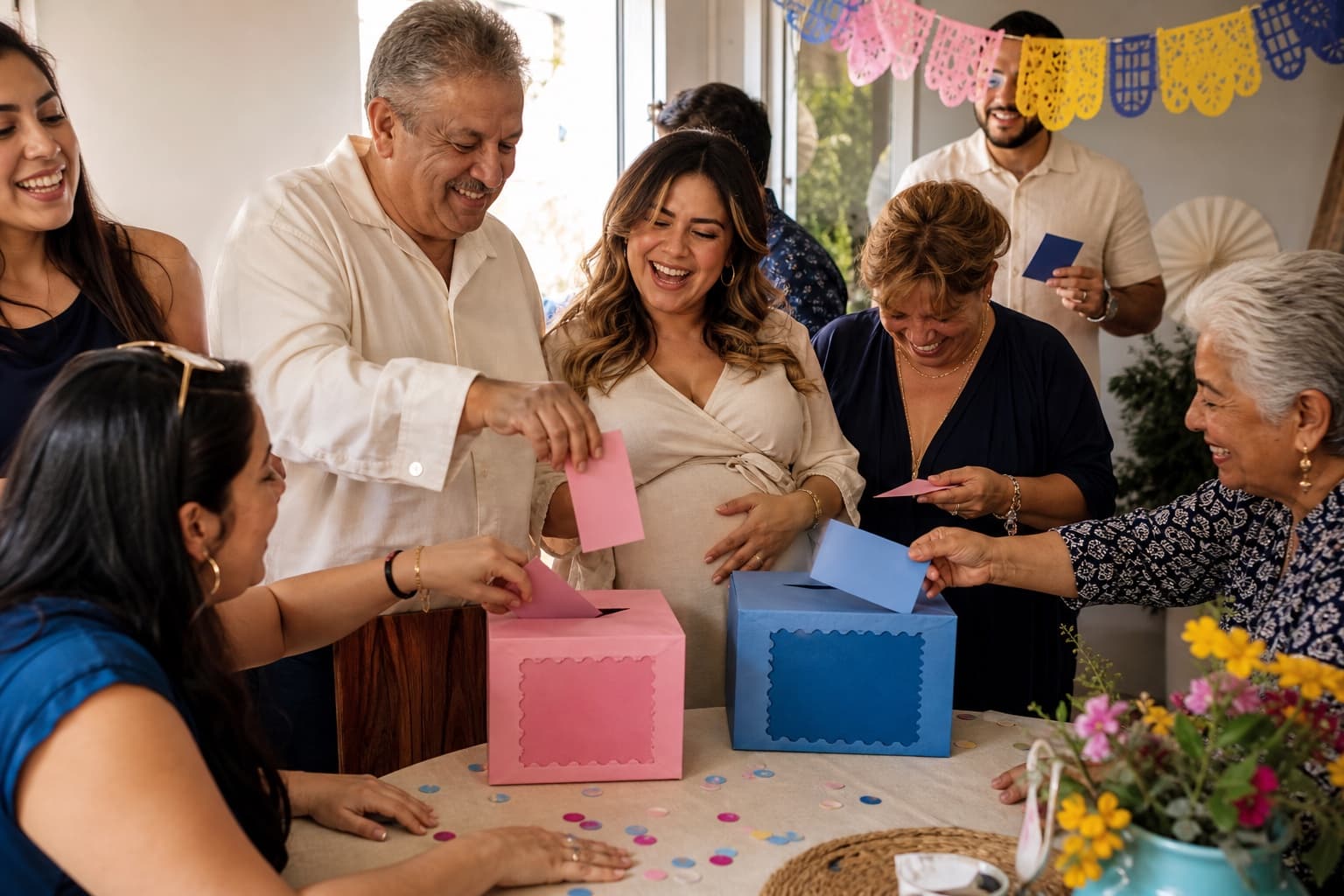
4. Prediction cards
5. Photo missions
6. Baby shower bingo
7. The arrival vote
The party sequence that avoids awkward waiting
The best gender reveals do not need six games. They need a clear rhythm.
- As guests arrive: open the live prediction poll.
- When most people are present: play one five-to-eight-minute game.
- While food is served: leave photo missions or prediction cards on the table.
- At the agreed time: bring every guest to the synchronized reveal.
This works because each activity has a job. The vote gives early arrivals something to do. The main game lets the room laugh together. The printable leaves a keepsake. The reveal remains the emotional peak.
Free does not have to look improvised
Quick answer: which free game should you choose?
If you only have time for one activity, choose by the people in the room—not by which game looks prettiest in a marketplace listing.
| Your party | Best first game | Why it works | Time to allow |
|---|---|---|---|
| Guests do not all know each other | What Does Baby Cost? | Nobody needs personal knowledge of the parents | 5–8 minutes |
| Close friends and family | Who Knows the Parents? | The answers create stories and friendly arguments | 8–12 minutes |
| A loud group around a TV | Baby Name Knockout | Every matchup produces an immediate room vote | 10–15 minutes |
| Family joining from another city or country | Live boy-or-girl poll | Everyone uses the same link before the reveal | Open throughout the party |
| A mixed-age table that prefers paper | Printable bingo | The rules are familiar and no phone is required | 15–25 minutes |
| Guests who love taking photos | Photo missions | The activity quietly runs while the party continues | Open throughout the party |
The safest combination is one active game, one background activity and the reveal. More than that can make a gender reveal feel like a school schedule. The games are there to remove waiting, not to compete with the moment everyone came to see.
How the online games work in a real living room
These are host-led browser games. They do not ask every guest to create an account, download an app or join a complicated room. Open the game on the device that makes sense for your party and let the room play together.
Option A: one phone passed around
This is the simplest setup for four to ten people. The host opens the game, gives the phone to the first player and records the final score. Use a note on paper or the phone’s notes app for the overall ranking.
For the parents quiz, let the expecting parents complete the private answer key before guests arrive. Once the game begins, the key remains hidden while every guest tries the same questions.
Option B: a laptop or TV for the whole room
Connect a laptop with HDMI or cast the browser to the TV. Increase the browser zoom if guests are seated far away. One person controls the screen while the group votes by raising hands, moving to one side of the room or simply cheering.
Option C: one link for a hybrid party
A complete 90-minute gender reveal plan using free tools
You do not need a professional host. You need an order that makes sense.
0:00–0:20 — arrivals and predictions
Do not start the main game while important guests are still parking. Arrival activities work because people can join them at any moment.
0:20–0:35 — one game everybody can follow
Choose the price challenge if the group is mixed or the parents quiz if most guests know the couple well. Explain the first action in one sentence. Show one practice question only if necessary, then begin.
Stop while people are still enjoying it. A short game that ends with laughter feels better than a long game that needs to be rescued.
0:35–1:00 — food, photos and conversation
1:00–1:15 — bring the room back together
Announce the reveal time five minutes early. Ask guests to finish their votes, bring remote relatives onto the call and open the reveal link. This buffer prevents the emotional moment from being delayed by one person searching a group chat.
1:15–1:20 — the reveal
The countdown becomes the only activity. Put it on the largest screen available, turn up the sound and let everyone reach zero together. The post-reveal screen can show who guessed correctly and give the room an immediate reason to keep celebrating.
1:20–1:30 — reactions and one final photo
Do not rush into another game. Let people hug, call relatives and take the group photo. The best party structure creates energy before the reveal and space after it.
How to run each free browser game well
What Does Baby Cost: host format
Before the party, decide whether guests will play individually or in teams. Teams are better for more than twelve guests because the discussion becomes part of the game.
- Show the first baby item without revealing the price.
- Give players 20 to 30 seconds to agree on a guess.
- Enter the guess and let the real price appear.
- Read the score aloud before moving to the next item.
- After five items, record the final result and pass to the next player or team.
For a fast version, one representative from each team plays while everyone else helps. For a calmer baby shower, pass the phone around the table.
Who Knows the Parents: host format
The quality of this game comes from the answer reveal, not just the score. When a guest gets an answer wrong, ask the parents for the short story behind the real answer.
- The parents create their answer key in private.
- The first guest starts a round without seeing the key.
- After the result, record the score on the local leaderboard.
- Pass the device to the next guest.
- When everyone has played, crown the winner and ask which answer surprised the room most.
If one partner is away or deployed, complete the answer key together on a private call before the party. The game then becomes a way to include their voice throughout the event.
Baby Name Knockout: host format
Choose eight names that the parents genuinely like, eight intentionally funny choices, or a mix. Tell guests whether their vote is serious before the first matchup.
- Enter eight names and check their spelling on the bracket.
- Put the game on a shared screen.
- Read both names and count hands or cheers.
- Tap the winner to advance it.
- Pause briefly before the final so guests can defend their favorite.
Games by guest count
4–8 guests: make it personal
Use the parents quiz, prediction cards and a passed-around phone. Small groups do not need a microphone or elaborate team rules. Give people time to explain their answers.
9–20 guests: use two teams
Split the room into two balanced groups for the price challenge. Keep one person as scorekeeper. Follow it with the name bracket on a TV so the whole room makes the final decisions together.
21–50 guests: simplify every instruction
Large groups lose energy when each person has to complete the same five-minute round. Use team representatives, a hands-up vote and background activities such as bingo or photo missions. Put instructions where people can see them instead of repeating them individually.
More than 50 or a public event
Choose activities that scale without collecting fifty answer sheets. A live poll, a projected bracket and a synchronized reveal are easier to manage than individual scoring. If you want a prize, award it by team or draw from the correct voters after the reveal.
Make the games inclusive for every generation
A good baby shower game should not make grandparents feel slow or younger guests feel trapped.
- Use large text on the shared screen. Browser zoom is more useful than decorative signs nobody can read.
- Read questions aloud. This helps guests who are seated far away and keeps the room focused on the same moment.
- Avoid speed as the only skill. Price estimates, stories and votes include more people than rapid typing.
- Offer paper beside the digital option. The free printable kit is useful for guests who prefer writing.
- Keep the rules visible. One short instruction is better than a long speech.
- Do not force personal questions. The parents control the answer key, so they can skip anything private.
For relatives joining from abroad, send the link early and tell them it opens in the browser. “Tap this link at 7:55” is clearer than a paragraph about the technology.
Prize ideas that do not cost more than the game
The prize should be easy to understand and easy to hand over. It does not need to match the party colors.
- first choice from the dessert table;
- a small coffee or ice-cream gift card;
- a candle, plant or local treat;
- a printed “official family predictor” certificate;
- the right to choose the group photo pose;
- a playful crown or team badge worn until the reveal.
For remote winners, use a digital gift card or simply put their name on the post-reveal screen and ask the room to cheer. Recognition often matters more than the object.
Online game, printable or both?
Digital and printable games solve different problems.
The complete free setup can look like this:
- gender predictor shared in the family chat during the week before;
- live quiniela open as guests arrive;
- one browser game played together;
- bingo or prediction cards left on the tables;
- pregnancy countdown saved by the parents;
- synchronized reveal as the main event.
That is not a random collection of free links. It is a sequence: anticipation, arrival, participation, keepsake and reveal.
Common mistakes that make party games feel like work
Planning too many games
Seven ideas in this guide do not mean you should run all seven. Pick the activities that suit your guests. A 90-minute party usually needs one main game.
Choosing a quiz only three people can answer
The parents quiz is excellent for close family and less useful for coworkers meeting the couple for the first time. Use the price challenge for a mixed group.
Hiding the instructions until the last minute
If guests need their phones, tell them before they sit down. If the game is on the TV, have the page open before the announcement.
Letting scoring interrupt the party
This is exactly the work the browser versions remove. Automatic scoring keeps the host in the room instead of bent over answer sheets.
Treating remote guests as an audience
Give them the poll and game link before the reveal. People feel included when they make a choice, not only when they watch a stream.
Frequently asked questions about free online gender reveal games
Are the games really free?
Yes. The Party Playroom games, live quiniela, gender predictor and printable kit can be opened for free. Creating the synchronized reveal is a separate paid experience starting at $7.99 with a one-time payment.
Do guests need RevealTogether accounts?
No. The party games run in the browser. The host controls the shared game, and guests can participate together without creating accounts.
Can I play on an iPhone, Android phone or tablet?
Yes. Use a modern browser. For a room full of guests, a laptop connected to a TV gives everyone a clearer view, but it is not required.
Can these games work for a baby shower without a gender reveal?
Yes. The price challenge, parents quiz, name bracket, bingo, wishes and photo missions all work as baby shower activities. The live Team Boy vs Team Girl poll is the only tool specifically built around the reveal guess.
What should I send guests before the party?
Send one message with the time, the live poll and the reveal link. If remote guests will play a browser game too, label the links clearly: “vote before the party,” “game at 7:30” and “reveal at 8:00.”
What if the Wi-Fi fails?
Your simplest next move
One game. One background activity. One reveal everyone reaches together. That is enough to make the party feel planned without making it feel managed.