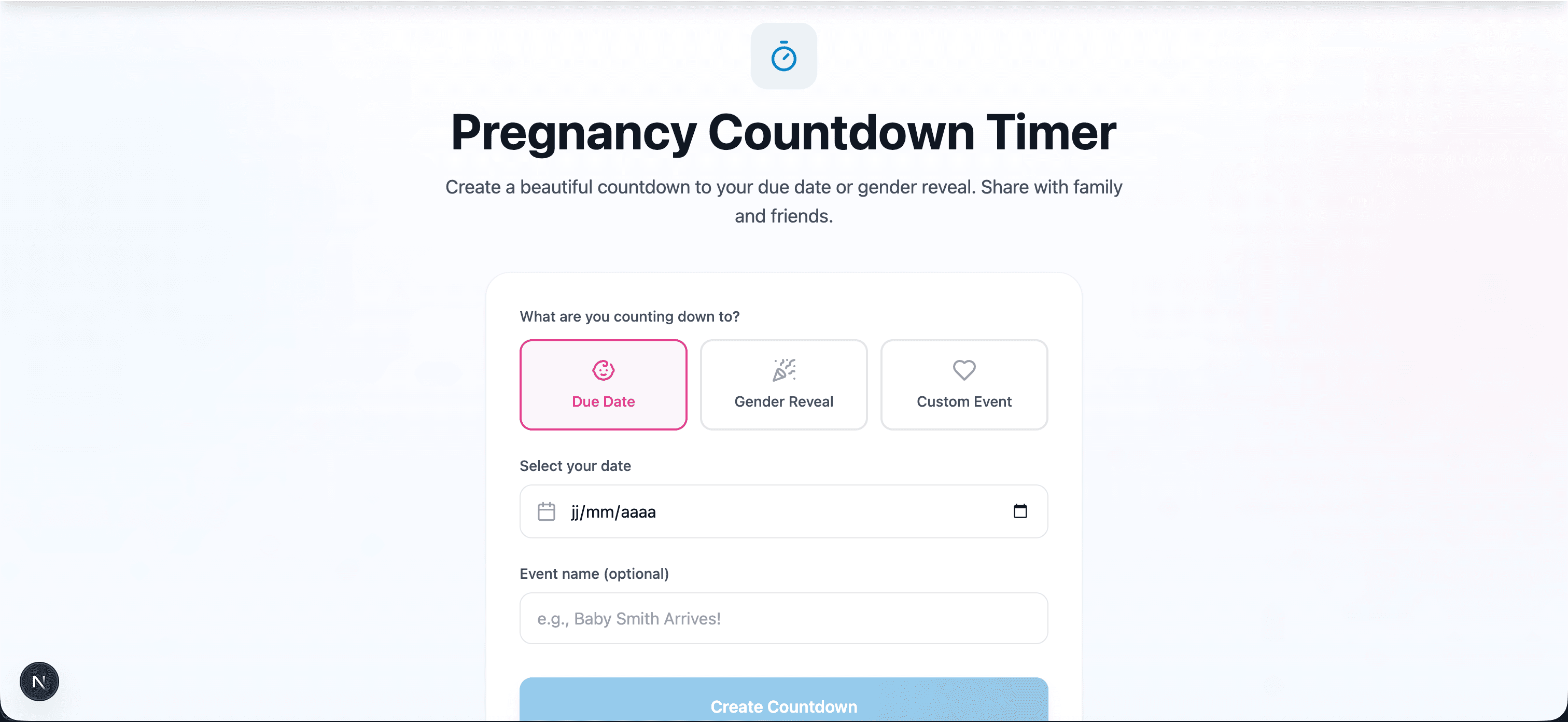
Pregnancy Countdown Timer: Share the Excitement with Family & Friends
There's something magical about watching the days tick down to meeting your baby. A pregnancy countdown timer transforms the waiting game into a shared celebration, keeping you and your loved ones connected to your growing journey.
Whether you're counting down to your due date, gender reveal party, or a special pregnancy milestone, here's everything you need to know about making the most of your countdown.
Why Create a Pregnancy Countdown?
A countdown timer does more than track days—it:
- Builds anticipation: Watching the numbers change makes each day feel special
- Keeps family connected: Grandparents and far-away relatives can follow along
- Creates excitement: Share updates and milestones with your support network
- Provides perspective: See your remaining weeks in context of the full pregnancy
- Makes memories: Look back at how you felt at different stages
Try Our Free Pregnancy Countdown Timer
- Three countdown types: Due date, gender reveal, or custom event
- Real-time updates: Days, hours, minutes, and seconds
- Pregnancy progress tracking: Current week and trimester (for due date countdowns)
- Milestone highlights: See what's happening in your pregnancy
- Shareable links: Send to family and friends with one click
- Mobile-friendly: Beautiful on any device
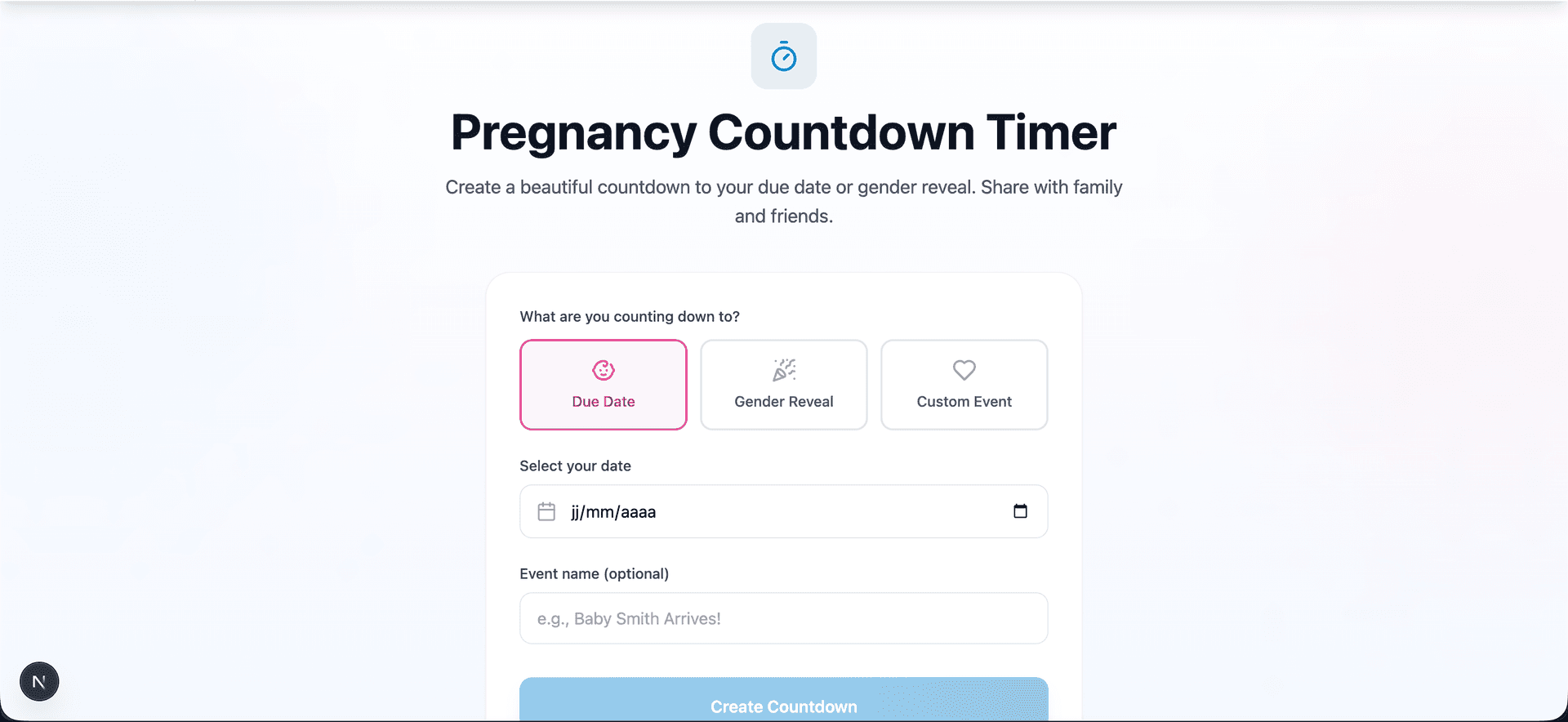
Three Ways to Use Your Countdown
1. Due Date Countdown
- Current pregnancy week: Know exactly how far along you are
- Trimester tracking: See which trimester you're in
- Progress visualization: Watch the progress bar grow
- Week-by-week milestones: Learn what's developing at each stage
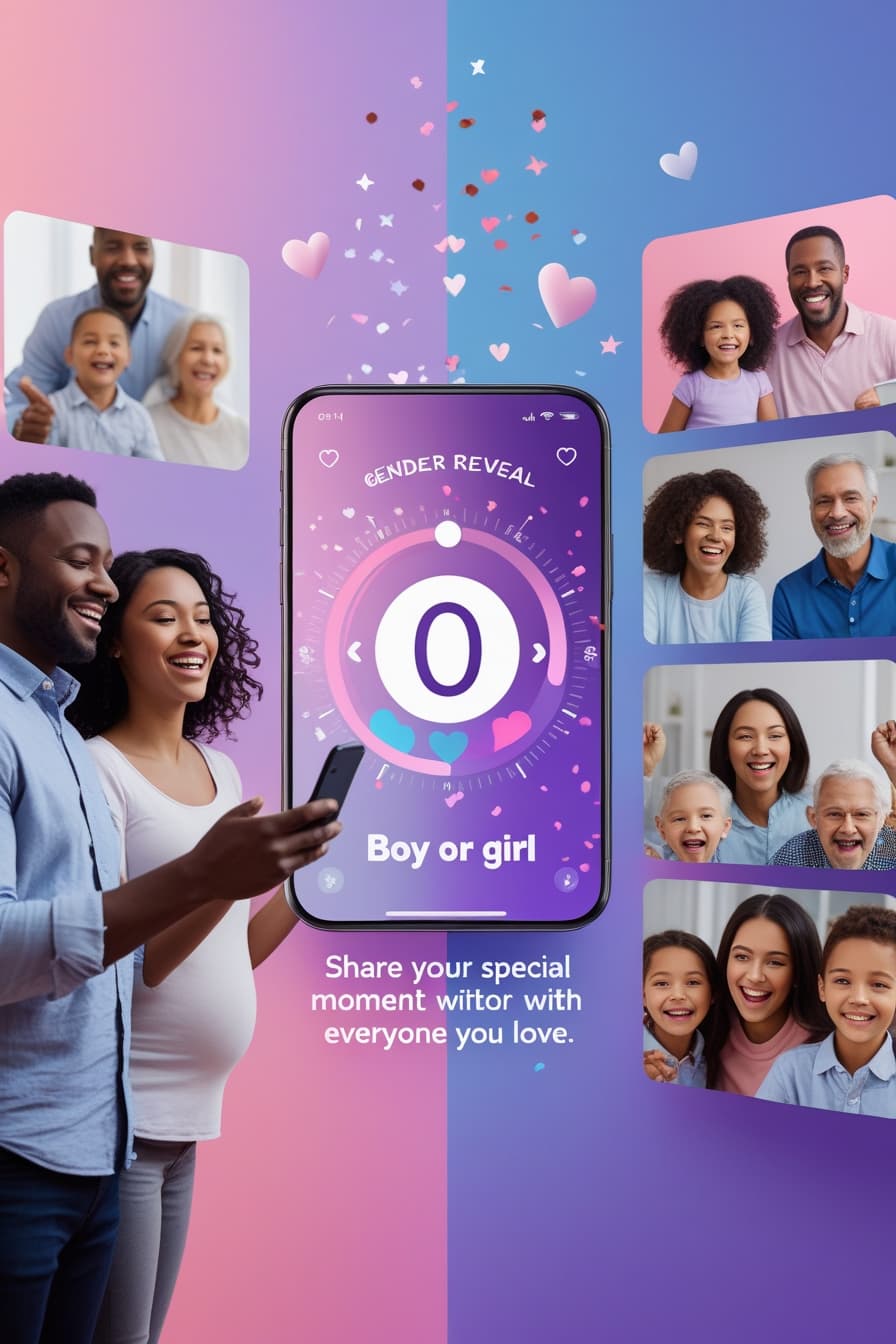
2. Gender Reveal Countdown
Building up to your big reveal? Create a countdown specifically for your gender reveal party to:
- Build excitement among invited guests
- Share the countdown on social media
- Create anticipation for your virtual gender reveal
- Add to digital invitations
3. Custom Event Countdown
Not every milestone fits a standard category. Use the custom countdown for:
- Baby shower: Count down to your celebration
- Maternity leave start: Track your last day of work
- Nursery completion deadline: Motivate yourself to finish!
- Family visit: When grandparents are coming to meet baby
- Pregnancy announcement: If you're waiting to share the news
How to Share Your Countdown
Once you create your countdown, sharing is easy:
With Close Family
- Click the "Share Countdown" button
- Copy the link or use direct share options
- Send via text, email, or messaging apps
On Social Media
- Take a screenshot of your beautiful countdown
- Share to Instagram Stories, Facebook, or your preferred platform
- Or share the direct link so others can watch it update
In Your Home
- Display on a smart home display
- Keep a browser tab open on your tablet
- Set as your phone's home screen widget
Making the Most of Your Countdown Journey
Weekly Check-ins
Make your countdown a weekly ritual:
- Screenshot your progress: Document each week's countdown
- Journal your feelings: How does it feel at 100 days? 50 days? 10?
- Share updates: Post milestones like "50 days to go!"
- Compare to baby's development: Learn what's happening each week
Milestone Celebrations
Use your countdown to mark special moments:
| Days Remaining | Milestone | Celebration Idea |
|---|---|---|
| 200 days | Early pregnancy | Announce to close family |
| 150 days | Second trimester | Plan gender reveal |
| 100 days | Third trimester | Baby shower time |
| 50 days | Almost there! | Finish nursery |
| 30 days | Final countdown | Pack hospital bag |
| 7 days | Any day now | Take bump photos |
Involve Your Partner
Turn the countdown into a bonding experience:
- Check it together each morning
- Create a joint "countdown bucket list" of things to do before baby
- Take weekly photos in the same spot to create a progression
- Plan activities for milestone days
Combining Our Free Tools
Get the most from your pregnancy planning by using all three of our free tools together:
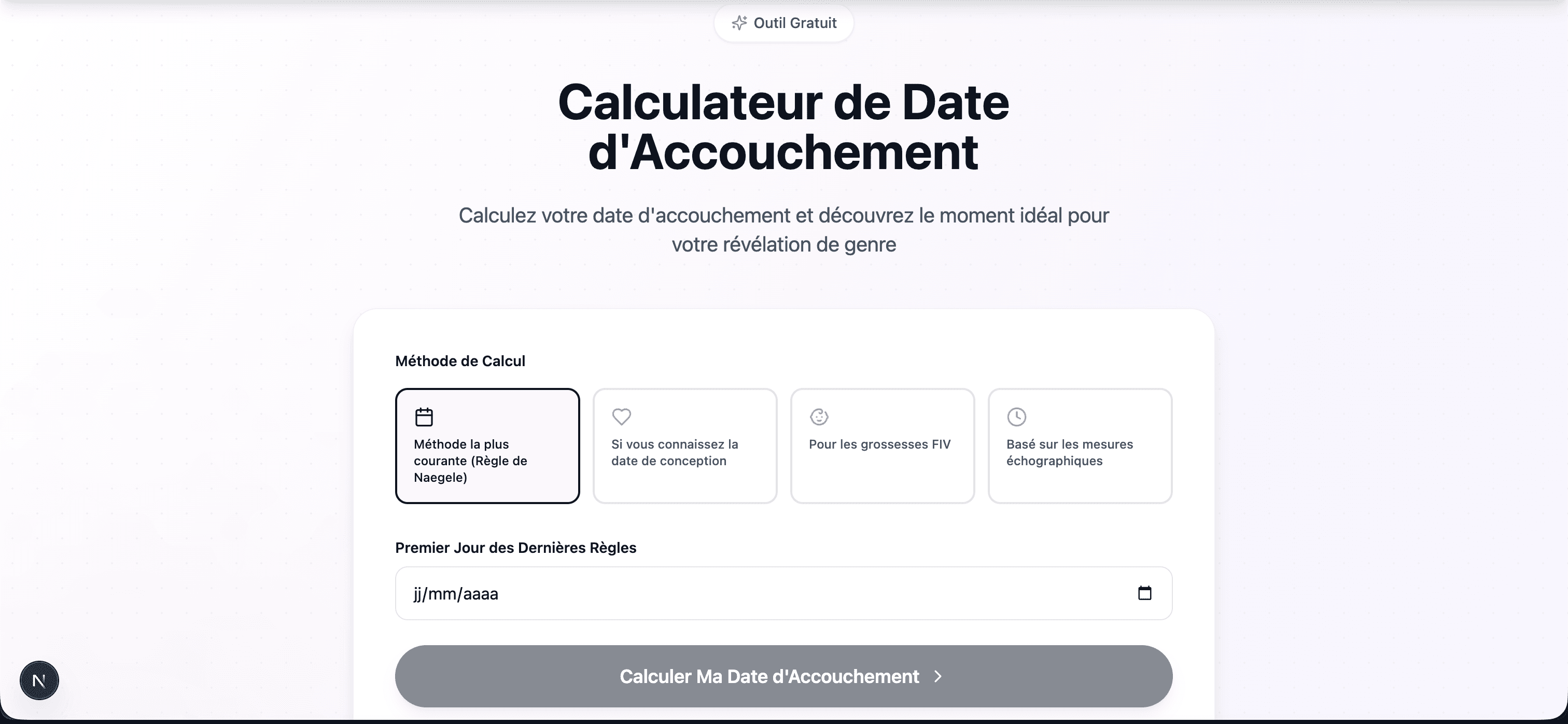
Step 1: Calculate Your Due Date
Step 2: Create Your Countdown
Step 3: Choose Baby Names
Step 4: Plan Your Gender Reveal
What Happens When the Countdown Ends?
When your countdown reaches zero, our timer transforms into a celebration message! Whether baby arrives exactly on their due date (only 5% do!) or a few days before or after, the countdown has served its purpose:
- You've tracked your incredible journey
- You've kept loved ones connected
- You've built anticipation and memories
- You're ready to meet your baby!
Tips for Long-Distance Family
Pregnancy countdowns are especially meaningful when family lives far away:
- Create a group chat: Share the countdown link with all family members
- Weekly updates: Post countdown screenshots with bump photos
- Assign milestone check-ins: "Grandma calls at 100 days!"
- Plan a virtual shower: Use the countdown to build to your virtual celebration
- Include everyone: Aunts, uncles, cousins—anyone who wants to follow along
Beyond the Countdown: Staying Connected
After using the countdown to keep family close, continue the connection:
- Virtual gender reveal: Host a virtual gender reveal party so everyone can participate
- Live updates: Share labor and delivery updates via secure family channels
- Virtual meet-and-greet: Video call from the hospital so family can "meet" baby
- Photo sharing: Create a shared album for the early days
Ready to Start Your Countdown?
- Pregnancy Countdown Timer — Create your shareable countdown
- Due Date Calculator — Find your due date first
- Baby Name Generator — Explore 2,000+ names
- Virtual Gender Reveal — Plan the perfect celebration
Using Countdown Timers Effectively on Social Media
A countdown link in a group chat is nice. But a countdown that lives on your social media creates something different: a public, shared thread of anticipation that your followers can return to.
Making Your Countdown a Social Content Pillar
The most effective approach is to treat your countdown as a recurring content series, not a one-time share. Here's how:
What to Share Week by Week (Without Oversharing)
Countdown-anchored weekly shares work because they give structure without requiring you to come up with something new every time. Here's a rhythm that works:
| Week | Share Focus |
|---|---|
| 12–14 | Announcement + countdown start |
| 16–18 | "We'll know the gender soon" + prediction polls |
| 18–22 | Gender reveal countdown, then the reveal itself |
| 24–26 | Nursery countdown (days until it's done) |
| 28 | Third trimester start—reset the milestone countdown |
| 32 | Hospital bag checklist share |
| 36–37 | "Under 30 days"—followers get excited |
| 39–40 | Daily countdown updates, baby-could-come-any-day energy |
The specific countdown numbers become shareable moments in themselves. "We just hit 50 days and I'm not ready" is a relatable, engaging caption that costs you nothing to write.
Involving Followers in the Wait
A pregnancy countdown works best when your followers feel like active participants, not passive viewers.
What to Share (and What to Hold Back) Before the Gender Reveal
The period between "countdown started" and "gender reveal day" is delicate. You want to build maximum anticipation without accidentally spoiling the surprise or oversharing in a way you'll later regret.
Safe to Share Before the Reveal
- Old wives' tale testing: heart rate, ring test, cravings—low stakes, high engagement
- Your instinct vs. your partner's instinct (post a poll)
- What names you like for each gender (without committing)
- The reveal setup process, if you're doing a physical event—show decorations without revealing the mechanism
- "We know and we're DYING" content that builds tension authentically
Hold This Until After
- Any shopping you've done in a particular color (pink or blue nursery items give it away)
- Specific name discussions if the name is strongly gendered
- Comments from grandparents about "finally having a boy" or similar
- Photos that accidentally include gendered items in the background
The Reveal Day Content Plan
The day of your reveal is worth planning as its own content event, not just a single post.
Building a Community Around Your Pregnancy Journey
The couples who look back on their pregnancy content most fondly are rarely the ones who had the most followers. They're the ones who built a genuine community—a group of people who felt real investment in the journey.
When your countdown reaches zero, you won't just have a baby—you'll have a community that followed every step of the journey. That's worth building intentionally.
Frequently Asked Questions
Can I share the countdown with others?
What if I don't know my due date yet?
Does the countdown work on mobile?
Absolutely! The countdown is fully responsive and looks beautiful on phones, tablets, and computers.
Can I create multiple countdowns?
Yes, you can create separate countdowns for different events—one for your due date, another for your gender reveal, and more for baby showers or other milestones.
What happens if my due date changes?
Simply create a new countdown with your updated date. Due dates are estimates, and your healthcare provider may adjust yours based on ultrasound measurements.
Start counting down to your biggest moment! Create your free Pregnancy Countdown Timer today.